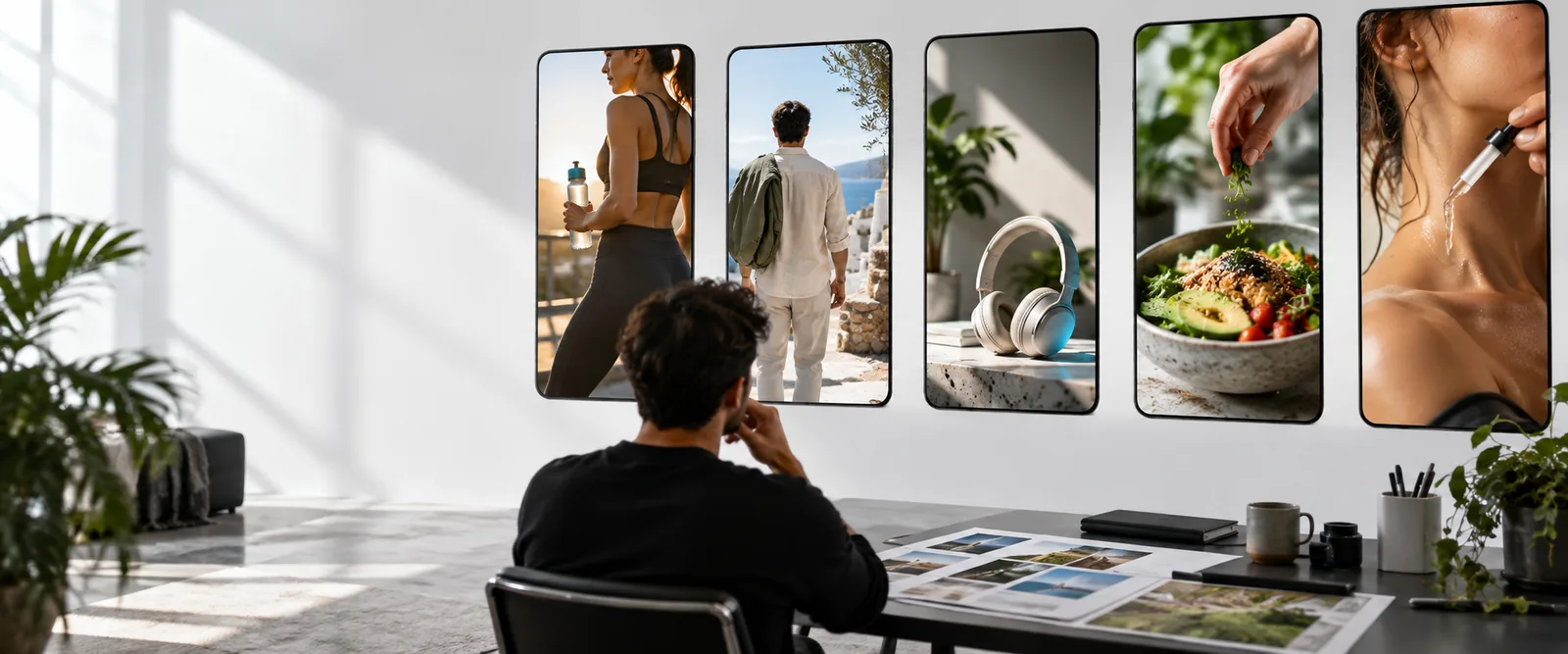
Video workflow

Create better ads with arcads ai video

arcads ai video is best understood as a starting point for product-focused creative: give it a clear brief, shape the message, and refine the result into a usable advertising concept.

Bring your brief to life
AI-generated product advertising scenes for a video concept

Three mechanisms behind the workflow

The value is not just video generation. The workflow combines a product brief, a human-facing presentation, and an editing pass so the concept has a clearer job to do.

Limits and edges

A useful draft still needs judgment. Treat the output as creative material to review, not as a finished campaign that can run without checking the details.

It cannot replace a precise brief

A vague prompt can produce a generic product story, weak positioning, or a scene that misses the intended audience.

Workaround

Name the product, audience, promise, setting, tone, and single action you want the viewer to take.
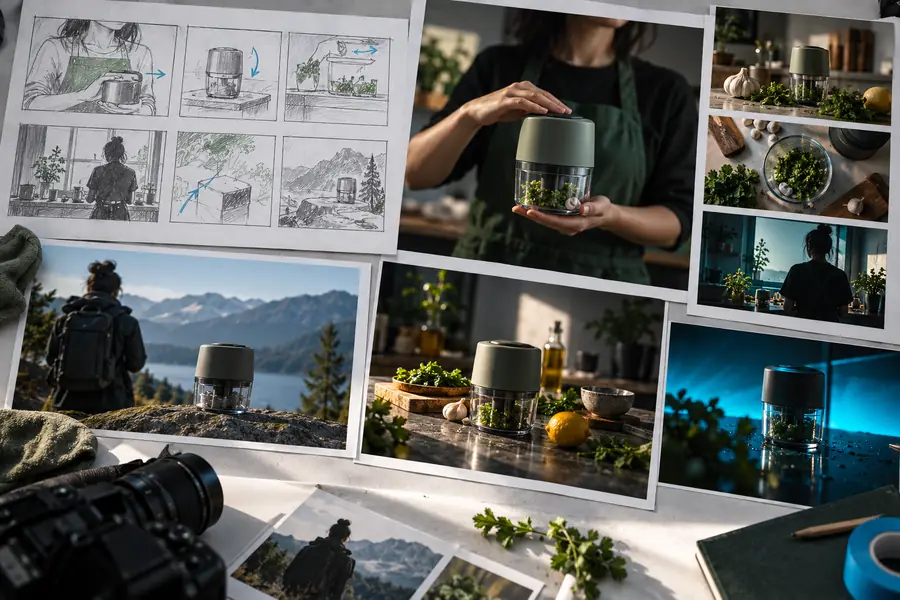
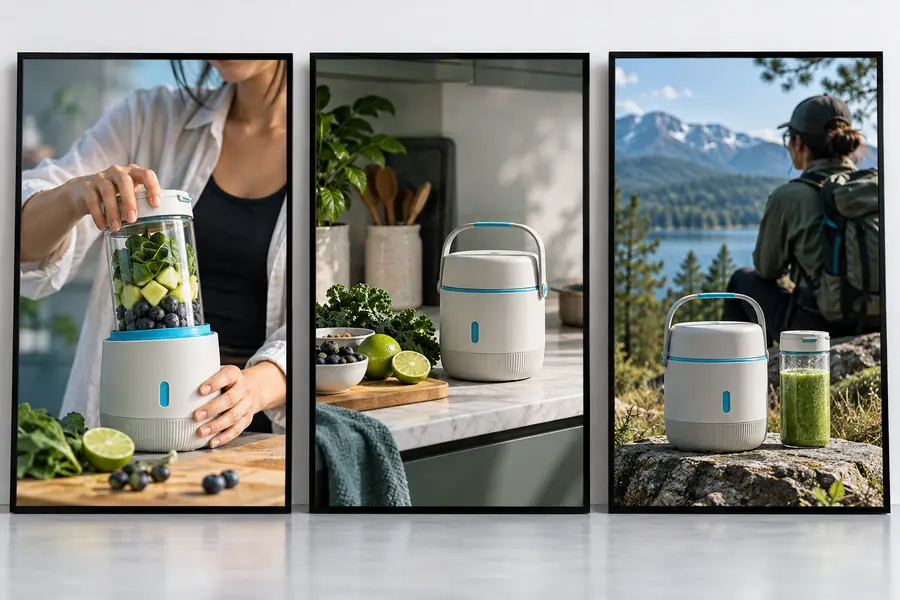
It cannot verify every product claim

Generated dialogue and visual suggestions may sound persuasive without proving that a claim is accurate, compliant, or supported by your evidence.

Workaround

Review every claim against approved product information before publishing or sending the concept to production.

It cannot guarantee a final brand match

A draft may need changes to pacing, language, visual identity, wardrobe, props, or the way the product is demonstrated.

Workaround

Provide brand guardrails and plan a human review for voice, visual consistency, and audience fit.

It is not a substitute for performance testing

A polished-looking video does not prove that the hook, offer, or call to action will perform with your audience.

Workaround

Create several focused concepts, then compare them using your own channel data and creative criteria.

From product brief to usable draft

Keep the process simple: decide what the viewer should understand, describe the scene, then edit toward one clear message.

  1. 1

    Set the creative job

    Write the product promise, target viewer, desired emotion, proof point, and call to action before describing the visual scene.

  2. 2

    Describe the moment

    Specify who is presenting, what they are doing, where the scene takes place, and how the product should appear in the frame.

  3. 3

    Review and refine

    Check the draft for factual accuracy, brand fit, clarity, pacing, and a direct next step. Revise anything that feels generic or unsupported.

A compact creative system

Use these working quantities to keep each concept focused instead of asking one video to explain everything at once.

Give the viewer one main reason to care.
1 promise
Write for a defined person, not everyone at once.
1 audience
End with one clear next step for the viewer.
1 action

Where arcads ai video can help

Different teams can use the same workflow for different creative jobs, as long as the brief stays specific and the output gets reviewed.

DTC marketers

Turn a product benefit into a short creator-led concept for testing across paid social placements.

A clearer first draft gives the team something concrete to compare, edit, and hand into production.

arcads hook generator

Brand founders

Explain a new product through a simple demonstration instead of relying on a long written description.

The founder can explore a more human product story before committing to a larger shoot.

hook generator for the opening line

Creative strategists

Translate a campaign angle into several visual directions with different presenters, settings, or emotional tones.

The team can evaluate the idea as a piece of communication rather than only as a sentence in a brief.

stronger ad hooks

Content teams

Create an initial video concept for a launch, review-led story, or product education sequence.

A structured draft helps writers, editors, and stakeholders discuss the same proposed scene.

arcads hook generator workflow

Before and after the creative pass

The difference is not simply having a generated scene. It is moving from an open-ended idea to a brief with a product, audience, message, and next step.

Early AI video concept for a product advertisement Loose concept
Edited creator-led product video concept Focused ad draft
A focused brief gives the generated scene a clearer job.

Turn one product idea into a testable video concept

Bring a product, audience, and message into the workflow, then use the draft as a starting point for sharper creative decisions. Review every claim and refine the result before publishing.

Create video draft
  • Start with one clear product promise
  • Shape the scene around a real audience
  • Review the draft before it reaches a channel

Arcads AI video FAQ

arcads ai video is suited to developing product-focused advertising concepts from a written brief. It can help teams explore presenters, scenes, product demonstrations, and messaging before they decide what to refine or produce.

A prompt can provide the starting direction, but a strong result usually depends on a specific product brief and a review pass. Describe the audience, promise, setting, tone, and call to action rather than relying on a broad request.

Do not assume that a generated draft is publication-ready. Check the product appearance, spoken wording, claims, brand fit, pacing, and call to action before using it in a live campaign.

Include the product, target audience, core benefit, presenter or point of view, setting, visual action, tone, and desired next step. Keeping one main message usually produces a more useful creative direction than combining several unrelated ideas.

arcads ai video focuses on developing a broader product video concept, while an arcads hook generator focuses on the opening line or attention-grabbing entry point. They can work together: sharpen the hook first, then build the surrounding scene and message.

Start creating
Start creating